
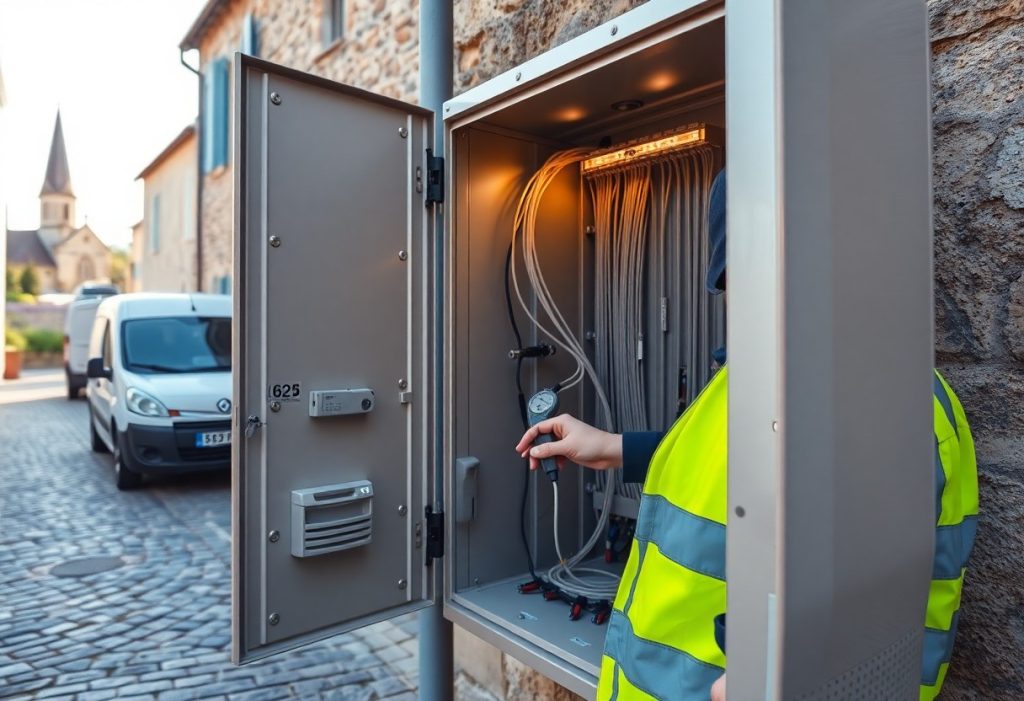
Many locals tell you where to find fast, affordable fiber and warn about spotty rural coverage; they also share tips to avoid installation scams and pick providers that offer truly reliable service for remote work and streaming.
Key Takeaways:
- Coastal towns and larger cities often have FTTH because of operator investment and tourist demand; check ARCEP or provider coverage maps to confirm service at your address.
- RIP (réseaux d’initiative publique) and municipal projects bring fiber to many inland communes; contact the mairie or intercommunalité for rollout timelines and local installers.
- Multi-dwelling buildings need syndic approval for communal fiber installation, and collective demand or alternative operators can trigger deployment; use 4G/5G or fixed-wireless as temporary backups during peak tourist season.
Why the South is a Digital Paradise
Coastal towns pushed fiber into tourist hubs so you can enjoy fast speeds and low latency while relaxing by the sea; check practical tips on identifying FTTH at Internet fiber: how do I know if I am getting FTTH?.
Locals often tell you that municipal projects plus private rollout deliver wide coverage, yet you should watch for single-cable cuts in rural stretches that can cause outages.
Trading city smog for high-speed sea breezes
Hills and coastlines swapped concrete for clearer air, and you benefit from gigabit speeds in many towns, though installation schedules can be slower in tiny villages.
How fiber changed the game for remote workers
Remote work became practical because you get reliable upload for video calls and consistent bandwidth for cloud tasks, so you can take meetings from cafés or terraces without stress.
Beyond home links, you find coworking spaces and ISP plans aimed at digital nomads, and you should keep a 4G hotspot handy as backup during rare outages.
The Truth Behind the Coverage Maps
Maps may show fiber to your street while only the main road is wired, so you should verify with a speed test and local checks before trusting coverage claims.
You should ring neighbours, inspect street cabinets, and run speed checks because providers sometimes overstate availability on their public maps.
Why quiet villages often have the best speeds
Locals often find that small communes get higher symmetrical speeds thanks to fewer simultaneous users and recent upgrades, so you can rely on better uploads for remote work.
Small user counts keep congestion low, so you can enjoy steadier speeds in off-the-beaten-path villages if you confirm the link is fiber to the home.
Spotting the “white zones” before you sign a lease
Check national maps for ‘white zone’ labels, then ask the mairie and landlord because those areas often leave you with no scheduled upgrades and long waits for fiber.
Ask providers for cabinet numbers, verify the connection type, and read your lease carefully since some landlords won’t take responsibility for missing broadband.
Lease clauses may allow temporary fixes like 4G routers, so you can use those but watch for speed caps and signal dead spots and test a SIM before signing.
Picking Your Provider Like a Pro
Picking your provider means checking local coverage maps, asking neighbors about real speeds, and watching for long-term contracts or steep installation fees.
Which French companies locals actually trust
Locals name Orange for reliability, Free for value, and SFR for local support while warning about patchy coverage in rural pockets and early-exit penalties.
- Orange – stability
- Free – price
- SFR – support
Navigating the different types of fiber deals
Options include FTTH full-fiber for top speed, FTTB for building-shared lines, and promo-driven contracts that may hide rising costs after the trial.
- FTTH – best speed
- FTTB – cost trade-off
- Promotion – check end price
| Type | What to check |
| FTTH | True speeds and installation timing |
| FTTB | Shared bandwidth in buildings |
| Price | Promo length and renewal rate |
| Contract | Early termination fees |
| Support | Local technician availability |
Recognizing the small-print differences-equipment rentals, throttling clauses, and real neighbor-reported speeds-lets you pick the plan that actually fits your daily needs.
Beating the Curse of the Stone Walls
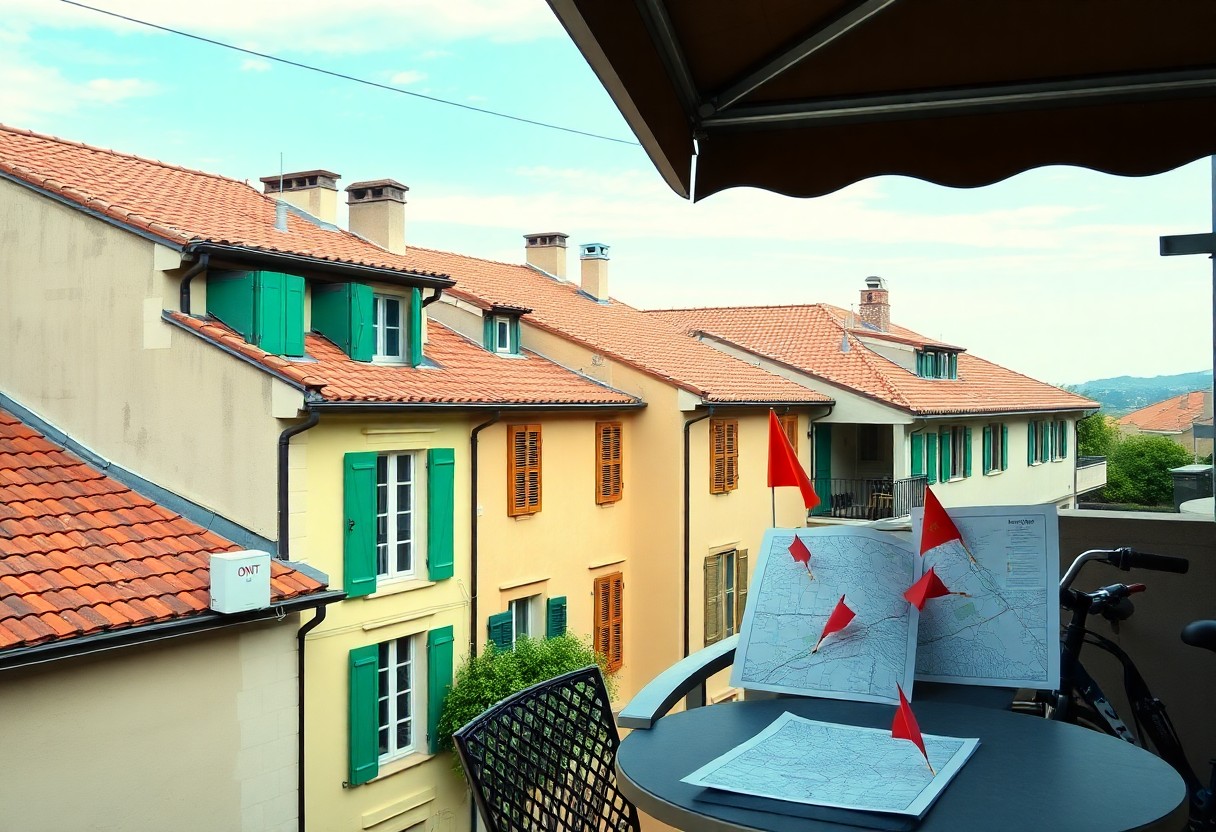
Old stone walls in Provençal villas can turn your shiny new fiber connection into a patchy home network, with radios reflected and attenuated before they leave the plaster. You can mimic local fixes like relocating the ONT to an outer wall, running short Ethernet drops, or tucking a node into a light-filled attic to reclaim consistent speed and fewer dropped calls; most effective: run Ethernet or add wired backhaul.
Why your signal struggles in historic villas
Thick masonry, lime plaster, and metal lath scatter Wi‑Fi and weaken radio links, so you’ll see throughput plunge as signals try to reach interior rooms. You may face danger: unreliable emergency device connections and frequent buffering if you assume one central router will cover the whole footprint.
Simple tricks to boost Wi-Fi through thick masonry
Move your router toward an exterior wall, mount it high, and add a mesh node with a short Ethernet run to bridge stone barriers; you’ll notice fewer dead zones and faster real-world speeds. You should prioritize wired backhaul or direct Ethernet to nodes for the biggest performance gain.
Try powerline adapters for short hops, outdoor access points for courtyards, or directional antennas aimed through windows; if you consider drilling to route fiber or Ethernet, hire a local pro and check protections-danger: do not alter protected stone without permits. You’ll find locals often stitch combinations of these fixes for steady, fast home networks.
Getting Hooked Up Without the Wait
You can fast-track installation by asking providers if local municipal or private rolls already reached your street and requesting a direct installer contact to jump the generic queue; being flexible with appointment times often lands you an earlier slot.
Local agents and expat forums share which crews actually turn up on time, so you should gather a couple of names and use trusted recommendations to avoid inexperienced teams and delays.
How to talk to the installation technicians
Ask technicians to show the planned entry point and the exact route to rooms, and clarify any drilling plans before tools appear so you avoid unexpected holes or damaged fixtures.
When you need faster answers, request the install permit number and a written job sheet; you’ll find providers act quicker on documented requests and a clear timeline keeps everyone accountable.
Making sure your property is “fiber-ready”
Check attic access, meter cupboards and external ducts for clear routes; blocked ducts or locked communal areas are frequent causes of multi-week delays and extra fees.
Measure the run length from the street cabinet to your desired outlet and share those figures with the provider so they can quote correctly; long conduit runs may need special gear or permissions.
Test whether the building syndic or landlord has pre-approved telecom works and collect any written permissions upfront, since missing building approvals is one of the most common reasons installers refuse to proceed on the day.
Great Backups for the Great Outdoors
Pack a lightweight power bank, a compact 5G hotspot, and a portable satellite terminal to keep you connected on long hikes or remote rentals. You should check coverage maps and carry spare SIMs so you can switch providers if a village tower is offline.
Bring weatherproof cases and a small solar charger so your gear survives sudden storms and long weekends off-grid. You can also set strict data limits on hotspots to avoid big overage charges that wreck your trip budget.
Using 5G boxes when fiber isn’t an option yet
When fiber hasn’t reached your town, a 5G box often gives fast enough speeds for video calls and streaming-place it near a high window and avoid thick stone walls. Always verify provider coverage and watch for indoor dead zones that kill performance.
The rise of satellite internet in rural spots
Satellite options now cover many valleys and plateaus, so you can upload photos and join meetings where terrestrial links fail; expect some latency and ensure the dish has a clear view of the sky. Keep in mind that obstructions like trees quickly reduce throughput, so plan your dish location accordingly.
Check installation costs, monthly plans, and power needs before signing up, because some terminals require constant power and can be vulnerable during outages; pairing a satellite unit with a battery backup helps avoid interruptions. Also confirm data caps and pricing to prevent sticker shock if you stream or back up large files.
To wrap up
To wrap up, you discover that fiber reaches most urban centers in the South of France while rural spots still rely on mixed solutions, and local installers often know the quickest routes to a strong signal.
You can ask neighbors about trusted providers, check municipal rollouts, and time installations outside tourist season for faster service and friendlier rates.
FAQ
Q: How can I check if my home in the South of France actually has fiber available?
A: Check ARCEP’s interactive coverage map or enter your full address on major ISP websites (Orange, SFR, Free, Bouygues) to see live availability. Look for the label FTTH (fiber to the home) versus FTTC (fiber to the cabinet) to know real speeds. Inspect common areas for a white fibre outlet (prise terminale optique) or a basement distribution box and ask your syndic if vertical cabling to apartments is complete. Visit the local mairie or the regional RIP operator site for rollout calendars and planned works.
Q: Which operators and local networks dominate fiber deployment in the region and which should I choose?
A: Orange, SFR, Free, and Bouygues cover most urban zones; public RIPs such as Covage or Axione deliver networks in many rural communes. Orange often installs the physical network but wholesale access allows competing ISPs to sell services once the point of mutualisation (PM) is active. Local ISPs and resellers can offer better hands-on support in small towns; compare actual user reports and latency, not just headline Mbps.
Q: What hidden costs or installation pitfalls do locals warn about?
A: Some providers waive connection fees during promotions, so get any waiver in writing. Building owners or syndics can bill for vertical cabling from the street node to apartments; a collective agreement lowers per-unit cost when neighbours sign up together. Long private-property digs or special manhole work may incur extra fees and require municipal permits. Verify whether the offer is FTTH at the optical termination point, since FTTC listings can mask much lower real-world upload speeds.
Q: How does fiber performance differ between cities, medium towns, and the countryside here?
A: City centers such as Nice, Marseille, and Toulouse generally have mature FTTH coverage and stable speeds. Medium towns often see mixed coverage with sporadic FTTH and residual FTTC cabinets; actual speed depends on distance to the cabinet. Rural communes usually rely on RIP rollouts, which deliver FTTH but follow longer timelines. Tourist-heavy coastal spots can face congestion in high season, so peak-hour performance may drop.
Q: What practical tips do locals use to get faster hookups and better service?
A: Coordinate with neighbours and the syndic to request a collective connection and accelerate vertical cabling. Monitor municipal rollout schedules and contact the regional RIP to register demand for your street. Ask neighbours or local social groups which ISPs truly deliver advertised speeds and reliable support. Keep written proof of activation offers, insist the operator opens the fibre port at the PM, and use 4G/5G fixed wireless or satellite as a short-term backup if deployment delays occur.